
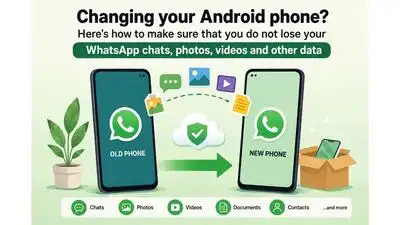
Disclaimer: It is an AI-generated image used for representative purpose only
In case you use the local backup feature of WhatsApp, then you chat history is also directly saved to the storage of your phone. If you’re switching phones without a factory reset in between, you can transfer this local backup file via a computer or file-transfer app as an added safety net, on top of your Google Drive backup.
However, the free ride ended in stages starting in December 2023, when Google began rolling out a change — first to WhatsApp beta testers, then to all Android users by early 2024 — that made WhatsApp backups count against the standard 15GB of free storage shared across Google Drive, Gmail, and Google Photos. Because of some rushed process is something that is avoidable, but losing all that data. The good news is that with a small amount of preparation, done in the right order, you won’t lose a single message, photo, or video during the switch.
Getting a new Android phone is exciting as it comes with a faster processor, better camera, the fresh start — until you remember that years of WhatsApp chats, photos, and videos are sitting on your old device, waiting to either transfer smoothly or vanish the moment you power it down for the last time. For most of the users WhatsApp is not just a simple messaging app but it is a live archive of all their important messages, old voice notes and photos nobody thought to save anywhere else. For anyone with years of accumulated photos and videos in their chats, this meant backups could suddenly eat into space needed for emails and files, sometimes without warning. If you’re close to your limit, you have two options: trim your WhatsApp media (there’s a built-in storage manager under Settings > Storage and data) or upgrade to a paid Google One plan.
This is exactly why checking your storage before switching phones matters more today than it used to.