
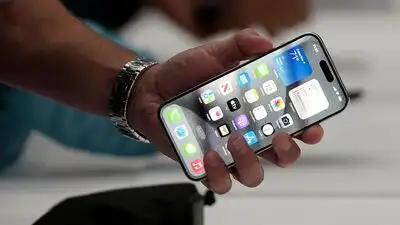
The button provides a fast way to end a call without using the on-screen controls, but Apple has provided a way to turn this off in iOS 16. The option is available on iPhones running iOS 16 or later and takes only a few steps to enable. You can change the setting (under Accessibility) so that the side button locks your device instead of hanging up the call, which can help prevent accidental hang-ups during a conversation.
Your iPhone can automatically end an active phone call if the side button is pressed. It is a handy default iOS feature that can sometimes cause accidental call disconnects and frustrations.
You can disable the feature by following these steps: Enabling Prevent Lock to End Call also changes how the side button responds to incoming calls. After the feature is turned on, pressing your iPhone’s side button twice during an incoming call will no longer decline it. However, pressing the side button once will continue to silence the ringtone, which remains the default behaviour.