
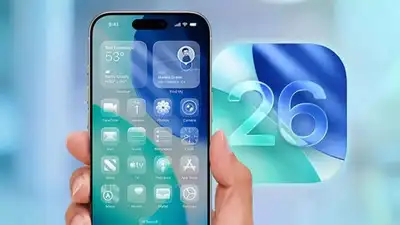
Apple has released iOS 26.2. The iOS 26.2 update is available now for iPhone 11 and newer devices through Settings > General > Software Update.
Apple has also fixed two critical vulnerabilities which it says “may have been exploited in an extremely sophisticated attack”. The software update comes with the ability to adjust the controversial Liquid Glass design debuted in September this year. Here’s how to update
How to install iOS 26.2
As mentioned above, iPhone 11 and newer phones are only eligible for the update. To install the iOS 26.2 update, follow the steps below: Liquid Glass design that rolled out with iOS 26 now bends to your preferences. Before processing, ensure your device is connected to Wi-Fi and has sufficient battery life or is plugged in. Head into your lock screen settings and you’ll find a new opacity slider—slide left for a clearer, more readable clock, or push right to keep things dreamily translucent.. Music lovers get a quiet but welcome upgrade: offline lyrics.
US users get Enhanced Safety Alerts with detailed maps and guidance for floods, disasters, and emergencies. The Reminders app finally lets you set alarms for urgent tasks with snooze support. AirDrop now requires one-time codes when sharing with strangers, adding a verification layer.