AI Generated
AI Generated Step 1: Access Google Gemini Access to Google Geminii and sign in using your Google account. Step 2: Select the Image feature In the chat box, you can type an image request. Step 3: Write a clear prompt Describe what you want to create in detail.
Instead of tweaking the brightness or masking out the background, you just type what you want the image to look like: “Make the sky dramatic,” “Remove the people in the background,” or “Make this look like a vintage film print. ” Users can experiment endlessly, adjusting minute details or completely transforming the scene, and the AI responds almost instantly, producing results that might have taken hours manually in traditional software. For instance: “Create a cinematic sunset over the Himalayas in 4K realism” Step 4: Refine the output If you don’t get the desired output, you need to change your prompt. Step 5: Edit existing images Upload an image and write instructions such as: “Remove the background and replace it with a beach at sunset” Step 6: Download and use After you’re done, you can download the image in the desired resolution and use it.
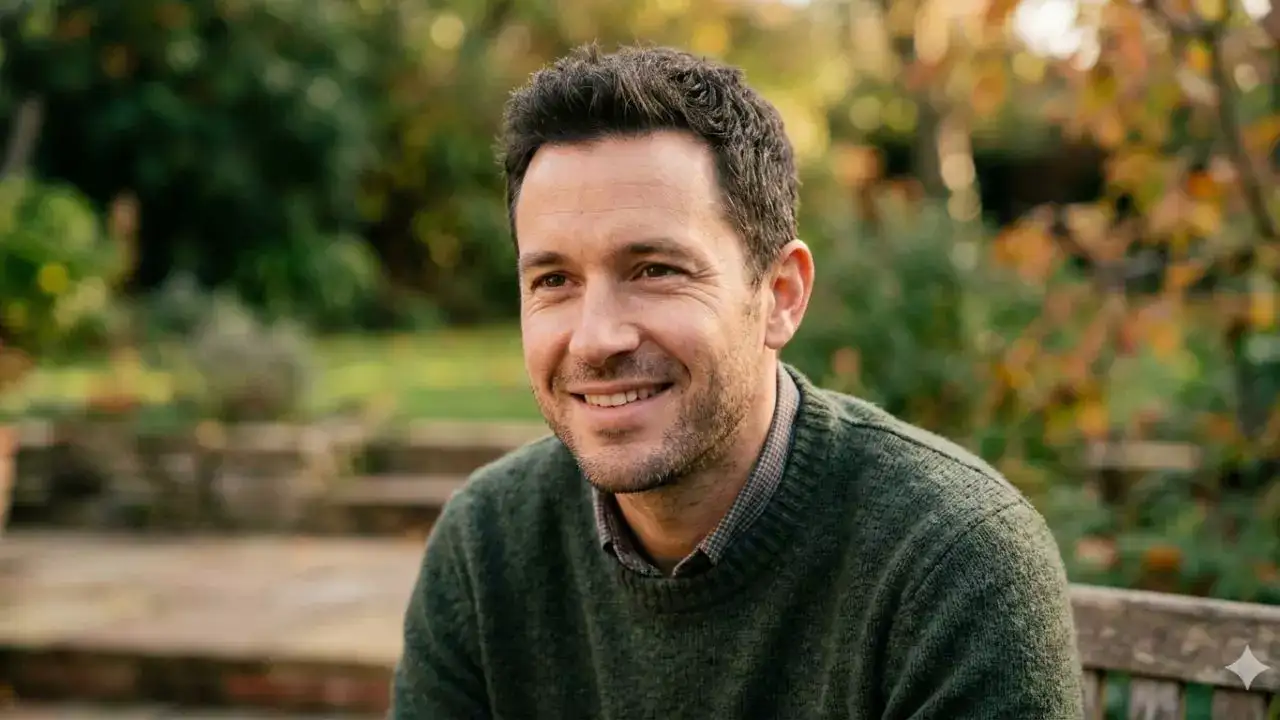
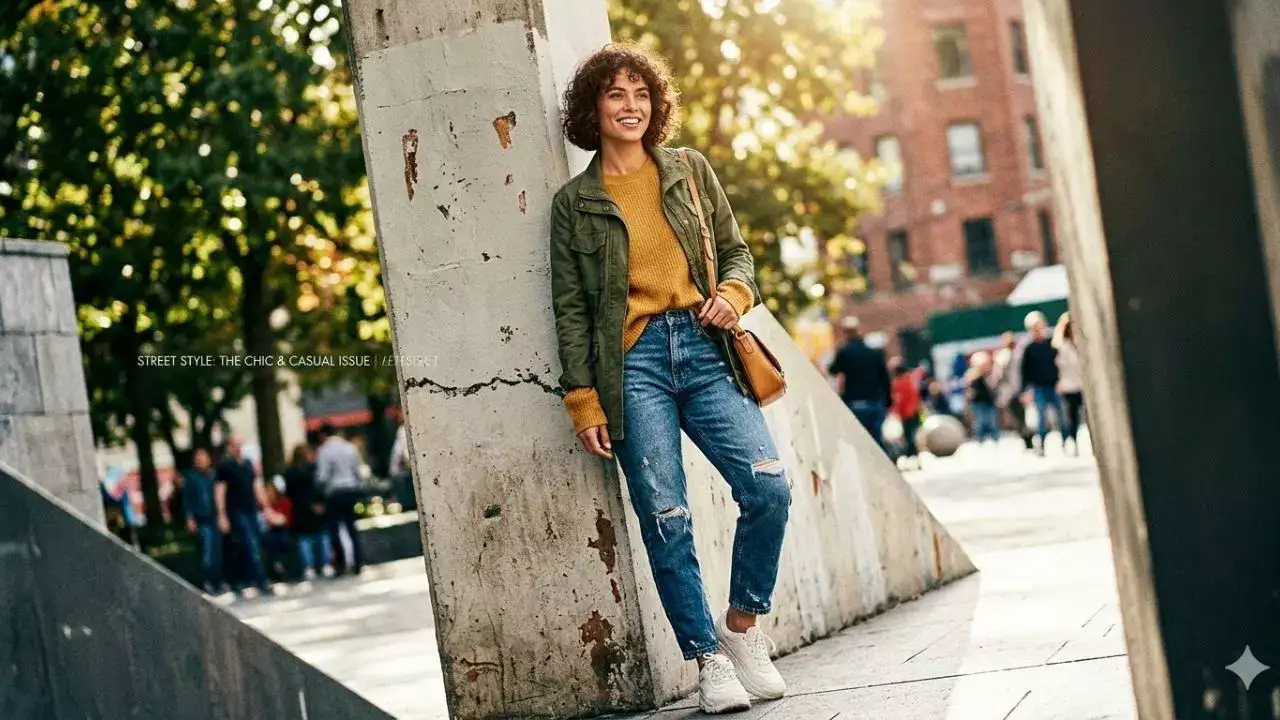
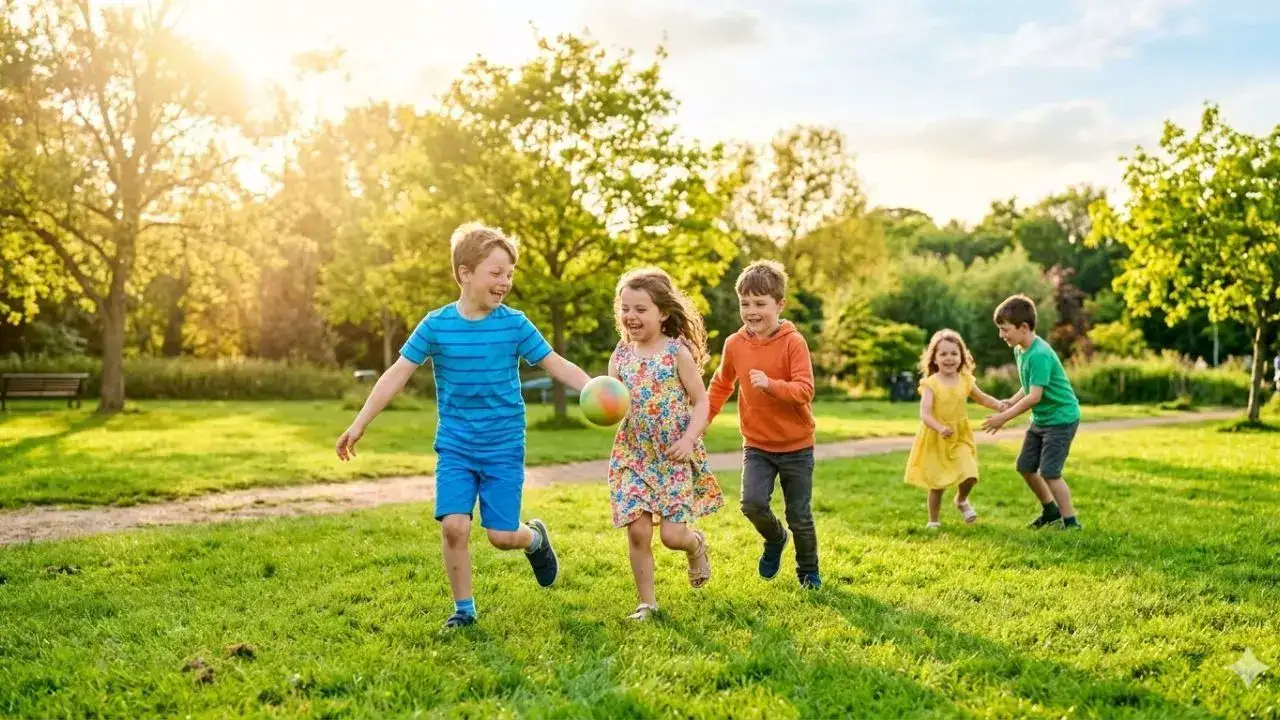
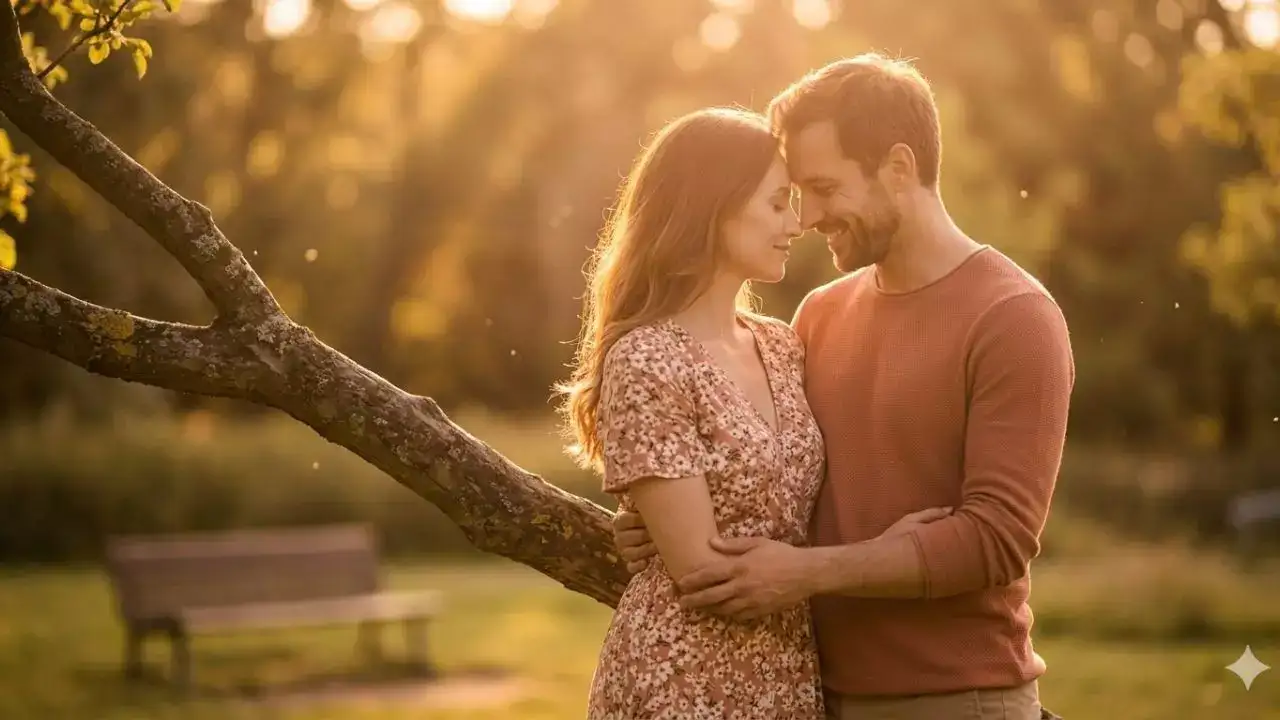
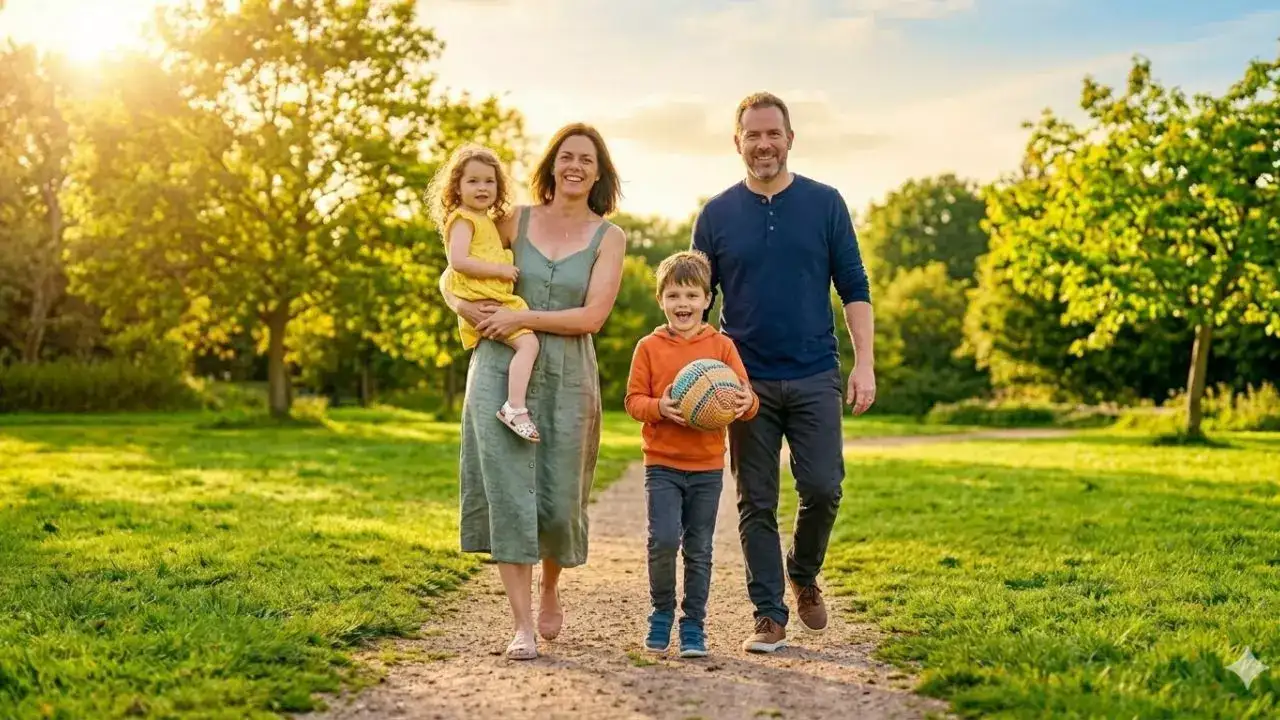
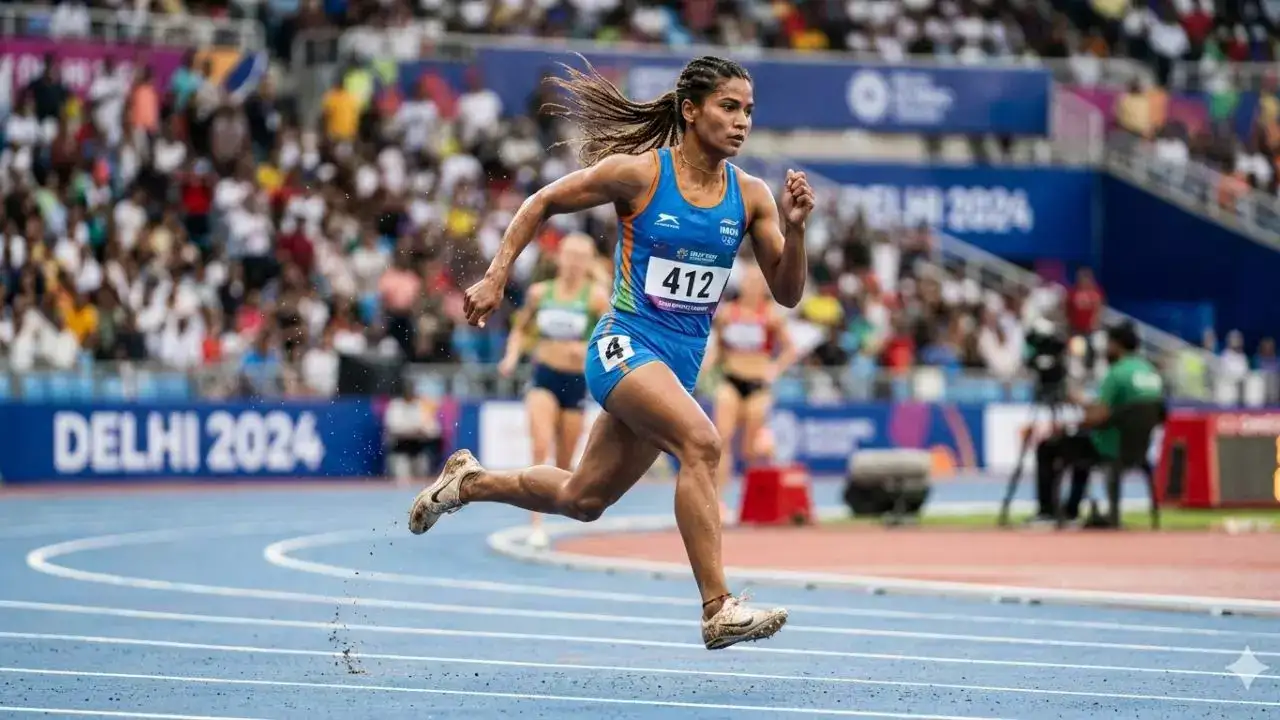
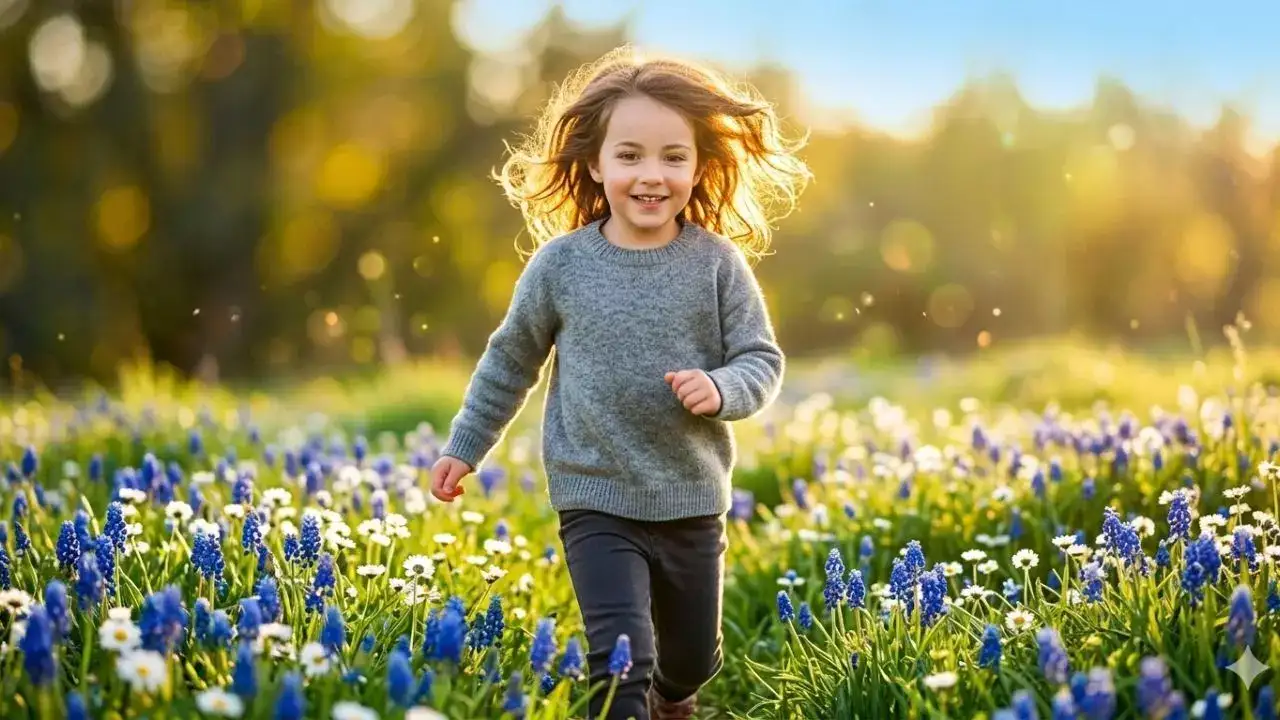
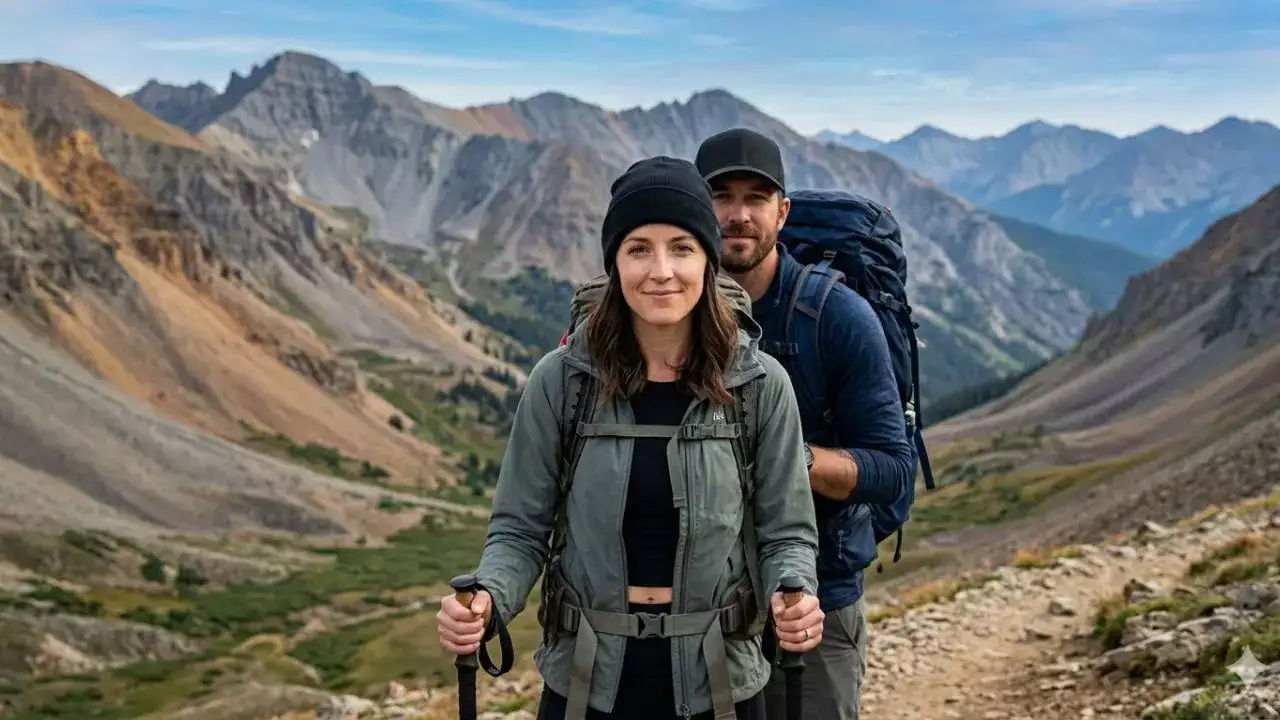
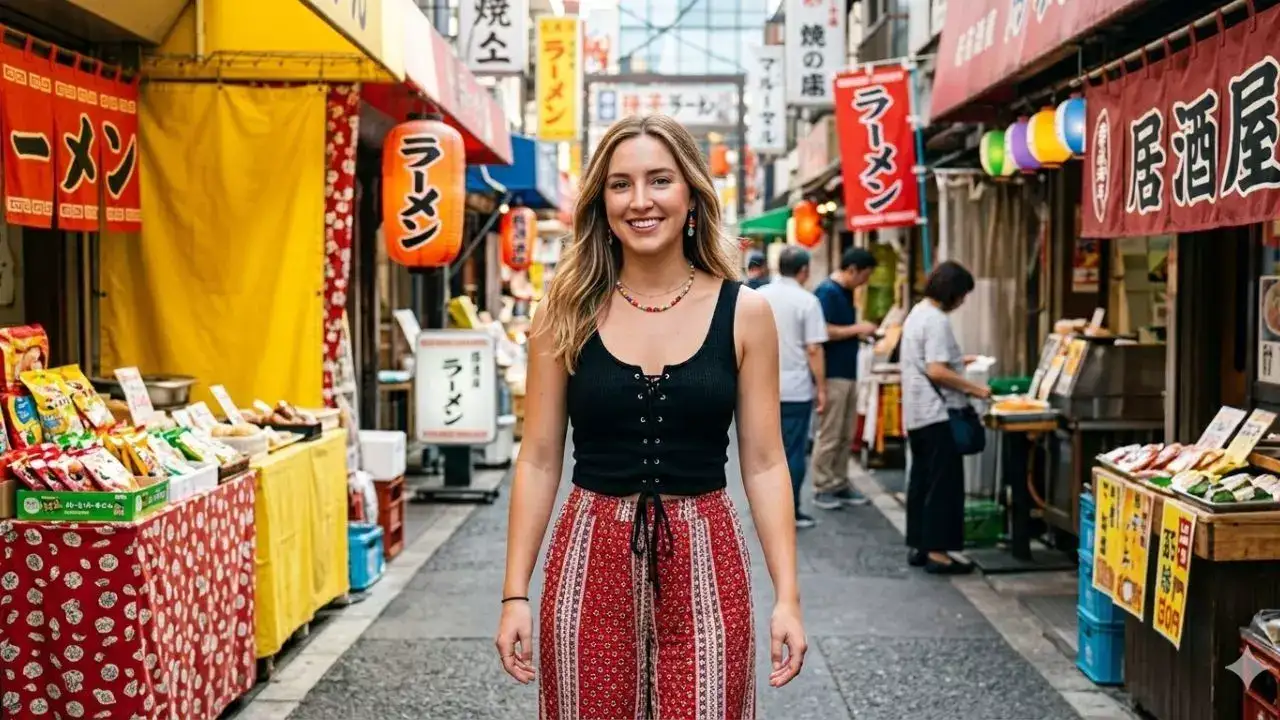
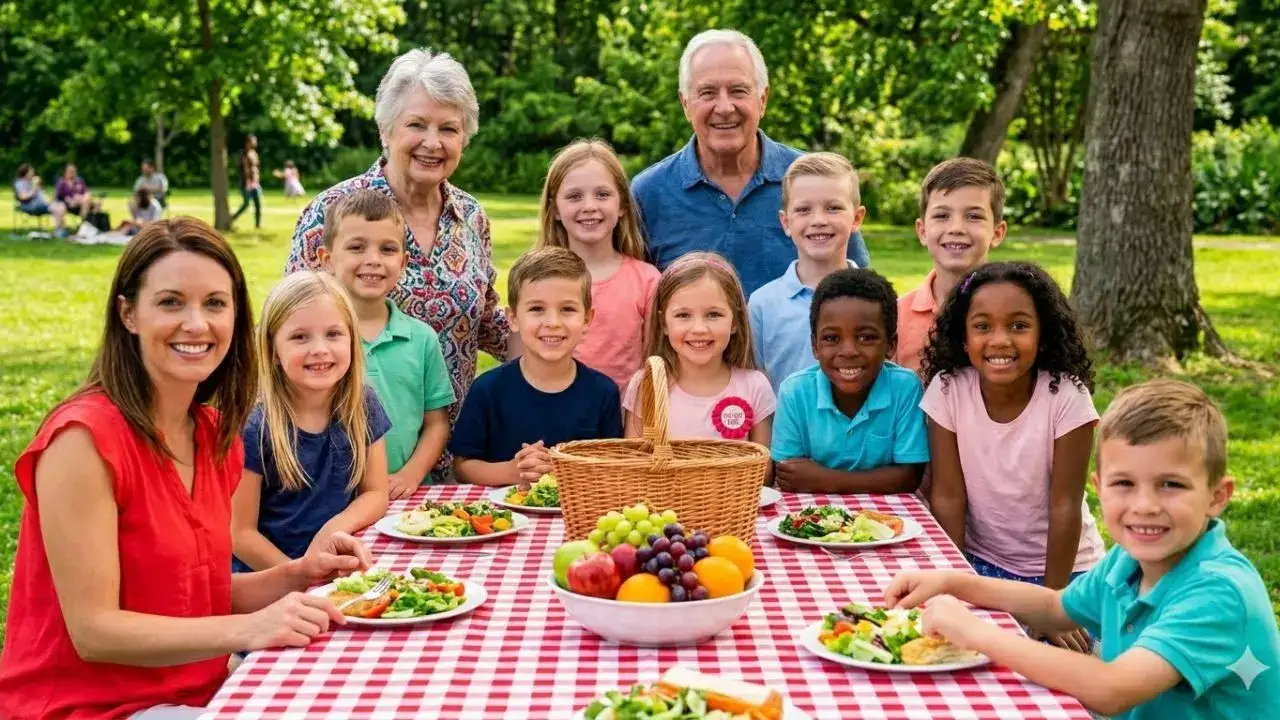
Editing a photograph was once a matter of sliders, layers, and a bit of time. Now, with Google Gemini, the experience is beginning to resemble a dialogue. The intriguing aspect of the AI prompts in Google Gemini’s photo editing is the level of simplicity and power. Beginners can use the language of everyday life, but power users may try out a level of specificity in the instructions to tweak the lighting, color tones, textures, and even the mood of the photograph. Make this man’s portrait look warm and natural, smooth out harsh shadows, and gently blur the background. AI Generated Bring out the colours and style in this woman’s casual photo so it looks like a fashion magazine shot. AI Generated Lighten up this picture of kids playing outside, add a little sun glow, and make the colours pop naturally. AI Generated Give this sunset photo of a couple a soft, romantic feel by enhancing the warmth and gently blurring the background. AI Generated Touch up this family photo so everyone looks clear and well-lit, without changing their natural look. AI Generated Make this athlete’s action shot sharper and more dynamic, keeping the motion feeling alive. AI Generated Subtly smooth this woman’s portrait, brighten her eyes, and add soft lighting to make it feel natural. AI Generated Enhance this child running in a flower field with a little glow and brighter colours, keeping it playful. AI Generated Bring out the colours and clarity in this couple’s hiking photo, highlighting them just enough without overdoing it. AI Generated Tidy up this group party photo, balance the light, and make everyone look their best naturally. AI Generated Add subtle lighting and clarity to this gym photo of a man lifting weights to show muscle tone without exaggerating. AI Generated Make this street photo of a woman crisp and vibrant, keeping the casual, everyday feel. AI Generated Brighten this birthday party shot of kids, adding a cheerful glow and making faces clearer. AI Generated Adjust this snowy couple photo so the snow looks bright, the couple stands out, and the scene feels cozy. AI Generated Make this picnic photo of a large family more vivid and clear, enhancing colours but keeping the natural outdoor look. Describe your image in detail. Get the latest technology news and updates. Download the TOI App.