
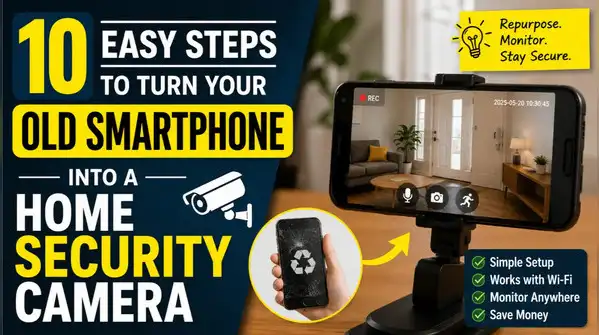
As smartphone technology continues to improve, many people upgrade to newer devices while their older phones remain fully functional. Instead of leaving those devices unused in a drawer, you can repurpose them as home security cameras.
Essential Devices for Home Security Setup
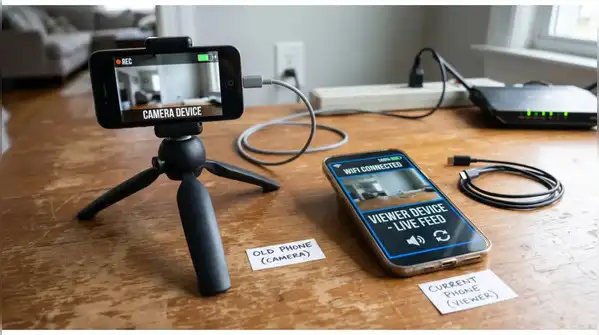
To convert an old smartphone into a home security camera, you will need two smartphones: one designated as the Camera device and the other as the Viewer device. The Camera device should be your old smartphone, positioned in a fixed location, while your current smartphone will allow you to monitor the camera feed remotely.
It is crucial that both devices have internet access and adequate battery life during the setup process. The Camera device must maintain a reliable internet connection to effectively stream footage and send notifications. Before completing the installation, confirm that the selected location has a stable Wi-Fi signal, as weak connections can lead to buffering or missed motion alerts. If necessary, consider relocating the camera or enhancing your Wi-Fi coverage to ensure optimal performance.
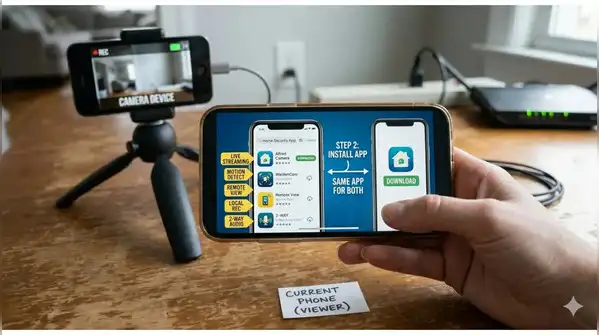
With an old smartphone, a stable internet connection, and a security camera app, you can create a simple monitoring system for your home. This setup can help you keep an eye on entrances, living spaces, pets, or children without purchasing dedicated security hardware. If you have multiple unused smartphones, you can expand your setup by turning each one into a separate camera. Connect all devices to the same account and Wi-Fi network, then place them in different parts of your home. This allows you to monitor multiple rooms and entry points from a single Viewer device.